Game-Changing Haptic 3D Mouse Lets You Feel Digital Objects Like They're Real… We Tried It
Yanko Design went hands-on with the MinVerse at CES 2025 and called it a one-in-a-thousand product: a mouse that moves through three dimensions and pushes back when the cursor hits a virtual surface. The review details its 4kHz refresh rate, 2N–4N force feedback, and modular stylus, mouse, and VR attachments.
Originally published on haply.co — the canonical version of this article.
▶ Watch: MinVerse: The Haptic 3D Mouse for the Digital Age
A one-in-a-thousand find at CES
Yanko Design’s reviewer described CES as a treasure hunt where only one in a thousand or two thousand products is genuinely game-changing — and at CES 2025 in Las Vegas, the Haply MinVerse was that product. What looked like an unassuming input device turned out to move through three dimensions instead of two, and, more importantly, to let the reviewer feel what was happening on screen: sculpting felt like pushing real clay, and when a 3D surface was touched, the mouse stopped the hand the moment it hit resistance. The design is credited to Felix Desourdy & Romain Bursi.
From the Inverse to a consumer device
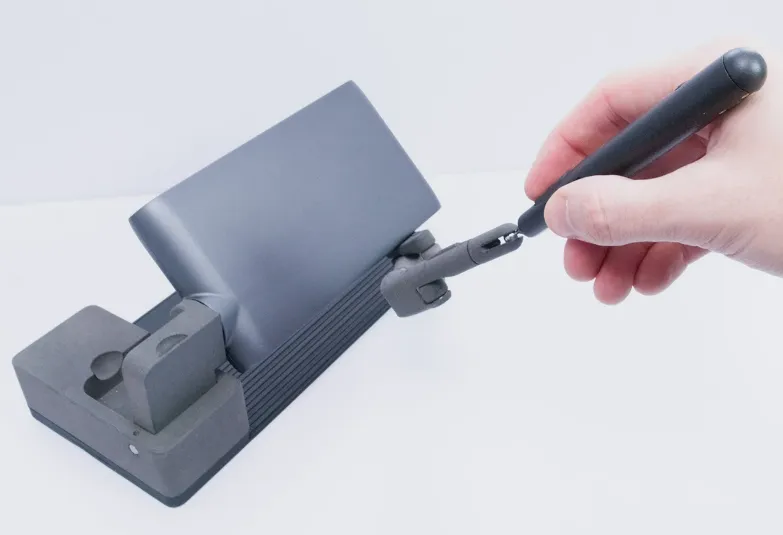
The review traced the MinVerse’s origins to Haply’s Inverse robot, a 3D input and haptic feedback device built for industrial and scientific applications. Realizing 3D input should reach consumers and smaller creators too, Haply designed the MinVerse as a smaller, flatter, more advanced successor: 240mm (9.4 inches) wide, 120mm (4.7 inches) deep, and just 40mm (1.5 inches) tall when folded shut — about the size of a large power bank. Its parallel linkage arms allow ordinary 2D movement, but lifting the hand off the desk moves the cursor along a third axis, with essentially no learning curve.
The specs behind the sensation
A 4kHz refresh rate keeps interaction smooth whether modeling or gaming, and force feedback ranging from 2N to 4N means users don’t just see virtual objects but physically sense them — if the cursor hits a wall, the MinVerse pushes back and the digital barrier feels solid.
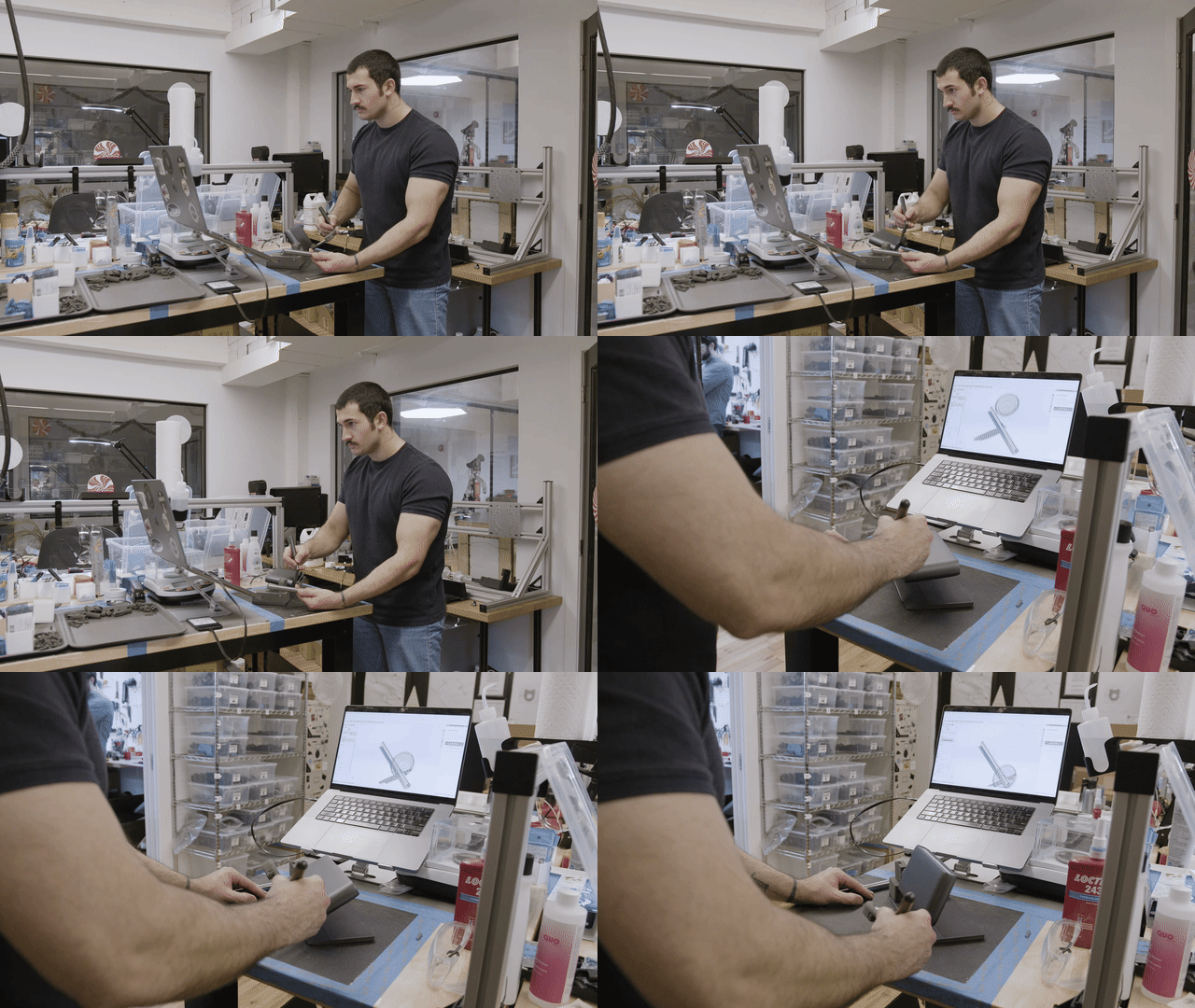
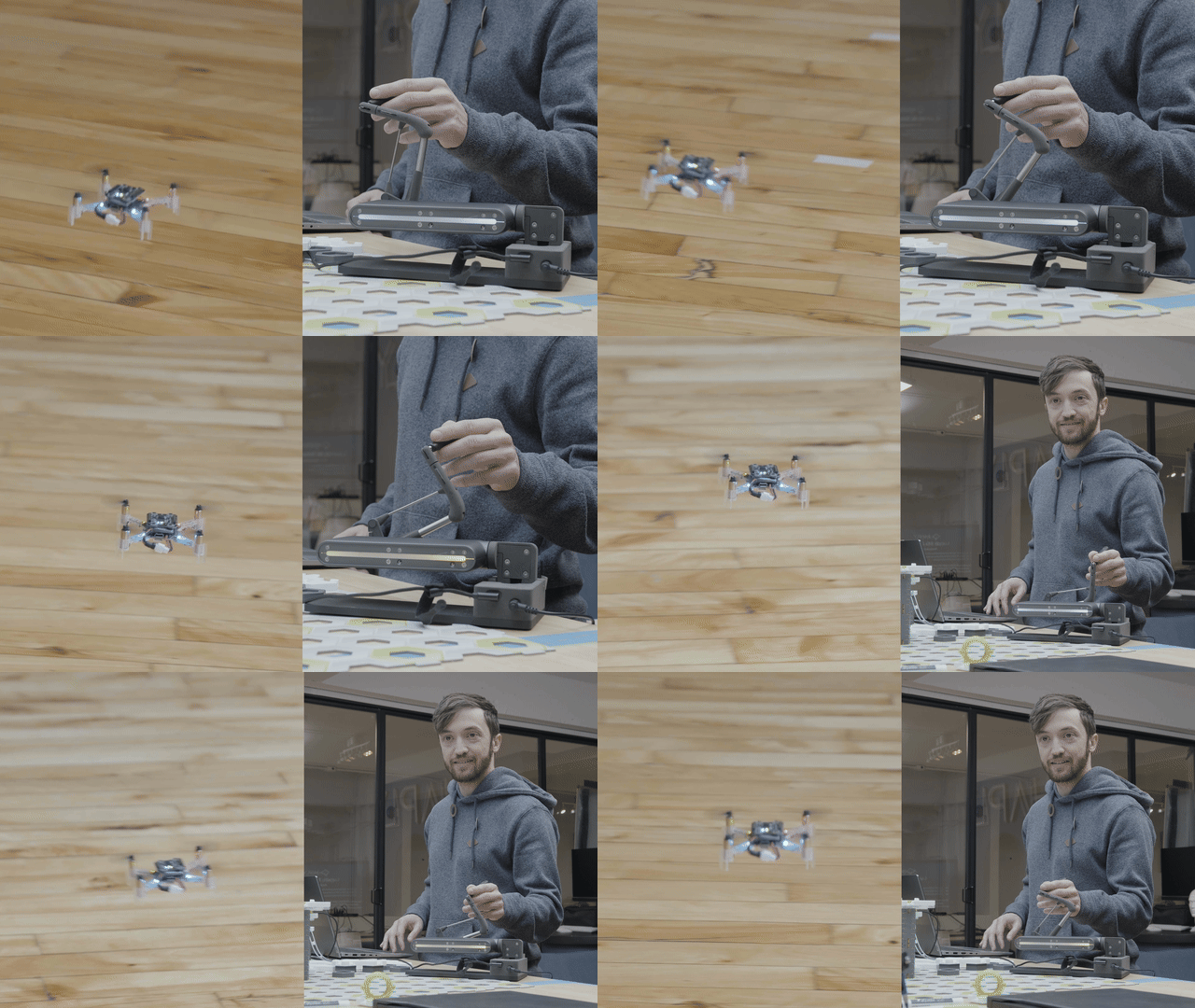
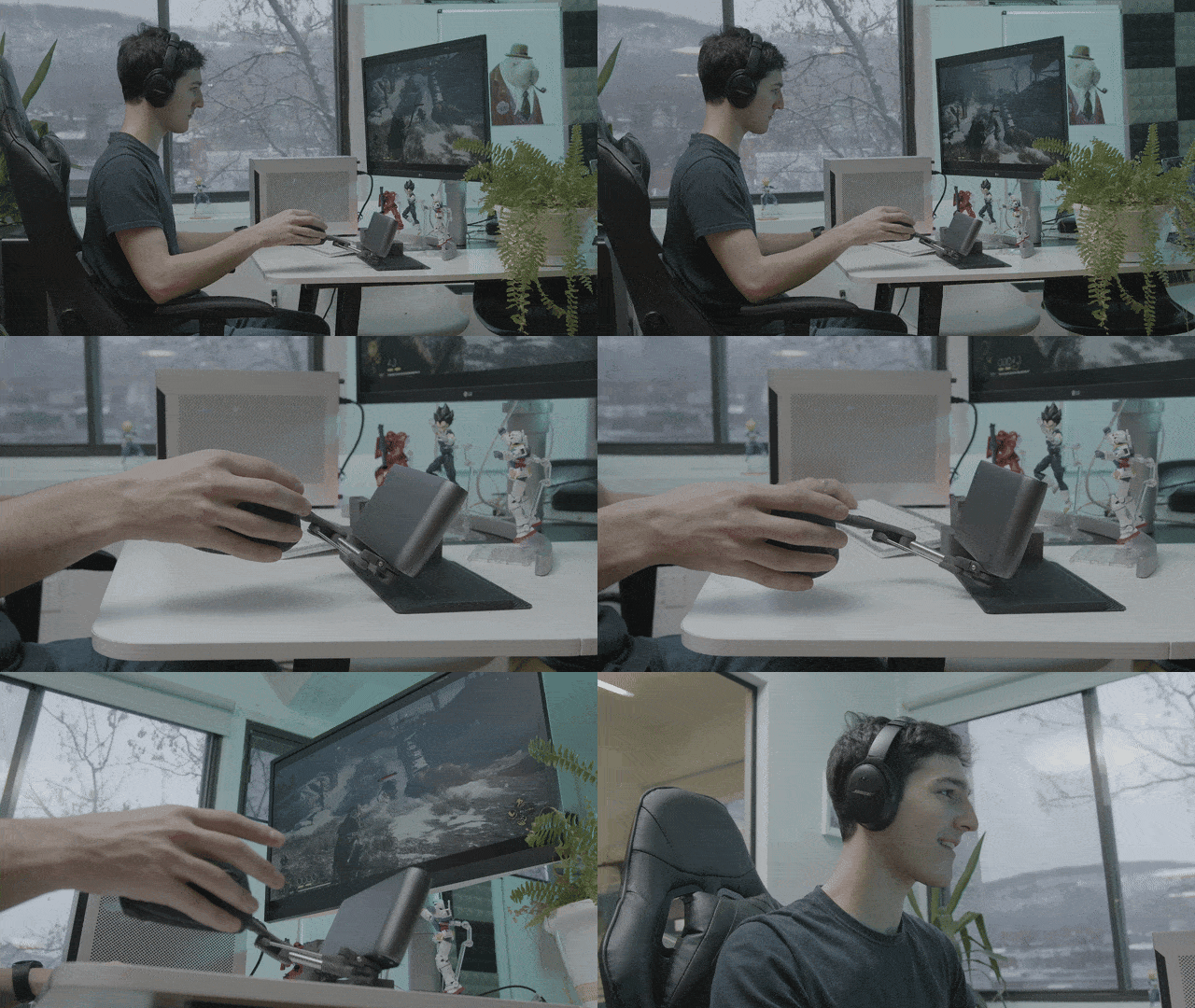
Original in-body animations from the review: CAD workflow demo (animation), drone control demo (animation), gaming demo (animation).
Who it’s for
For 3D artists and designers, the MinVerse offers a way to sculpt, model, and manipulate objects while feeling depth, texture, and weight. Game developers in Blender and Unity can position assets and refine animations with a natural sense of touch. Engineers and robotics enthusiasts get precise force feedback when controlling robotic arms or piloting drones, and gamers can feel a bowstring’s tension, a sword’s weight, or a firearm’s kickback. The reviewer saw the potential extending into education, medical training, and remote-controlled robotics.
Verdict and pricing
Haptic feedback isn’t new, the review noted, but integrating it into a consumer device at this level is a major leap — the MinVerse could do for mice what the Oculus Rift did for VR headsets in 2012. During the campaign it was offered to early adopters at $670 (down from $1,500, having raised over $80,000 on Kickstarter), in a matte-metallic space-grey finish with modular attachments including a stylus, a 2D mouse mode, and a VR controller. It connects via USB-C with a wireless stylus, and a wireless mouse mode coming soon.
Read the original coverage
This article has been condensed for relevance. Find the original article on Yanko Design.