PRECISION HAPTIC CONTROLLER
Shipping nowInverse3
Precision force-feedback control for robotics, simulation, research, training, medical, and industrial workflows.
INVERSE3 DEVELOPER KIT — QUOTED IN DAYS · SHIPS WORLDWIDE
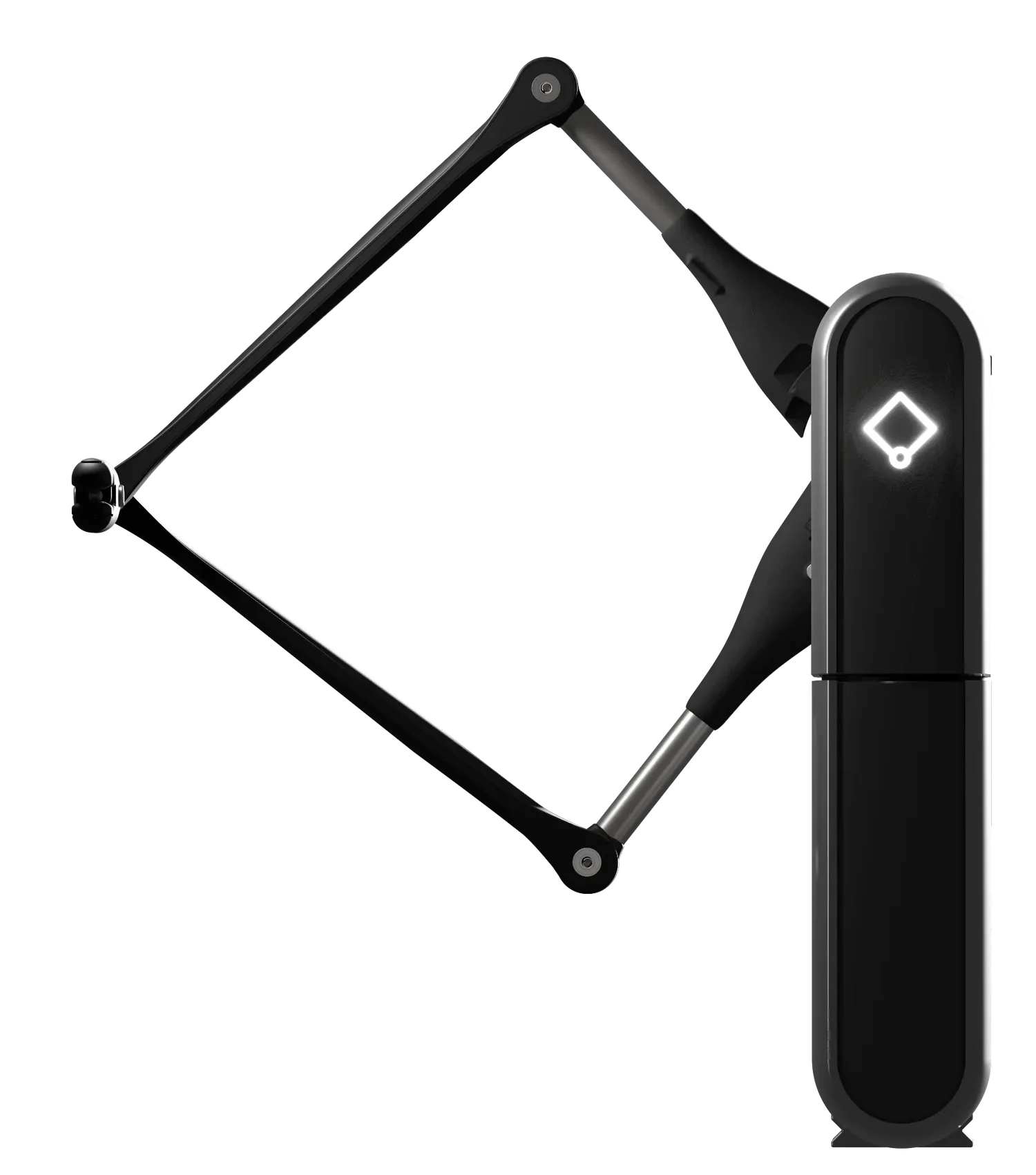
3 DOF force feedback · 0.01 mm resolution · 4 kHz haptic loop
OVERVIEW
Touch-enabled control.
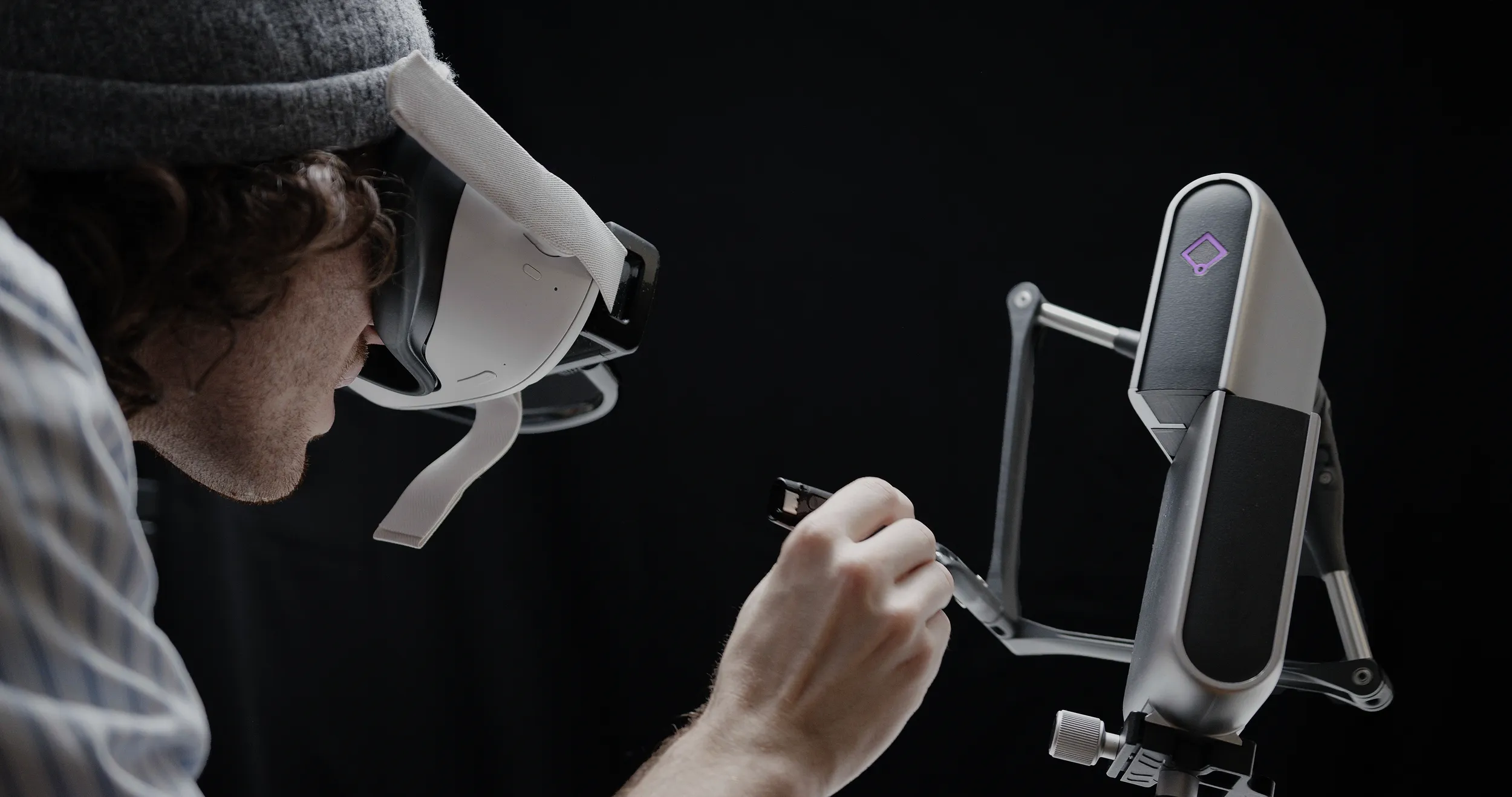
Inverse3 is a physical force-feedback controller that lets users move, control, and feel digital, simulated, and robotic environments.
It combines high-resolution haptic feedback, fast refresh rates, configurable grips and mounts, and developer-friendly integration support for robotics, simulation, research, and training workflows.
Physical haptic control
Use a real input device to control robotic, simulated, or digital systems while receiving force feedback through the controller.
Configurable setup
Adapt Inverse3 with VerseGrips and VerseMounts for different workspaces, user positions, and application needs.
Developer resources
Build haptic applications with supported development tools, examples, downloads, and documentation available through Developer Hub.
PRODUCT FIT
Who Inverse3 is for.
Inverse3 supports the broadest range of Haply force-feedback applications across robotics, simulation, research, training, medical, and industrial workflows.
The most versatile device in the family
- Users and teams
- Labs, researchers, robotics teams, simulation teams, medical simulation teams, industrial teams, and developers evaluating precision force-feedback control.
- When to choose this
- Choose Inverse3 when you need one precise, approachable haptic controller that can support exploration, prototyping, training, simulation, and professional force-feedback workflows.
- Related use-case paths
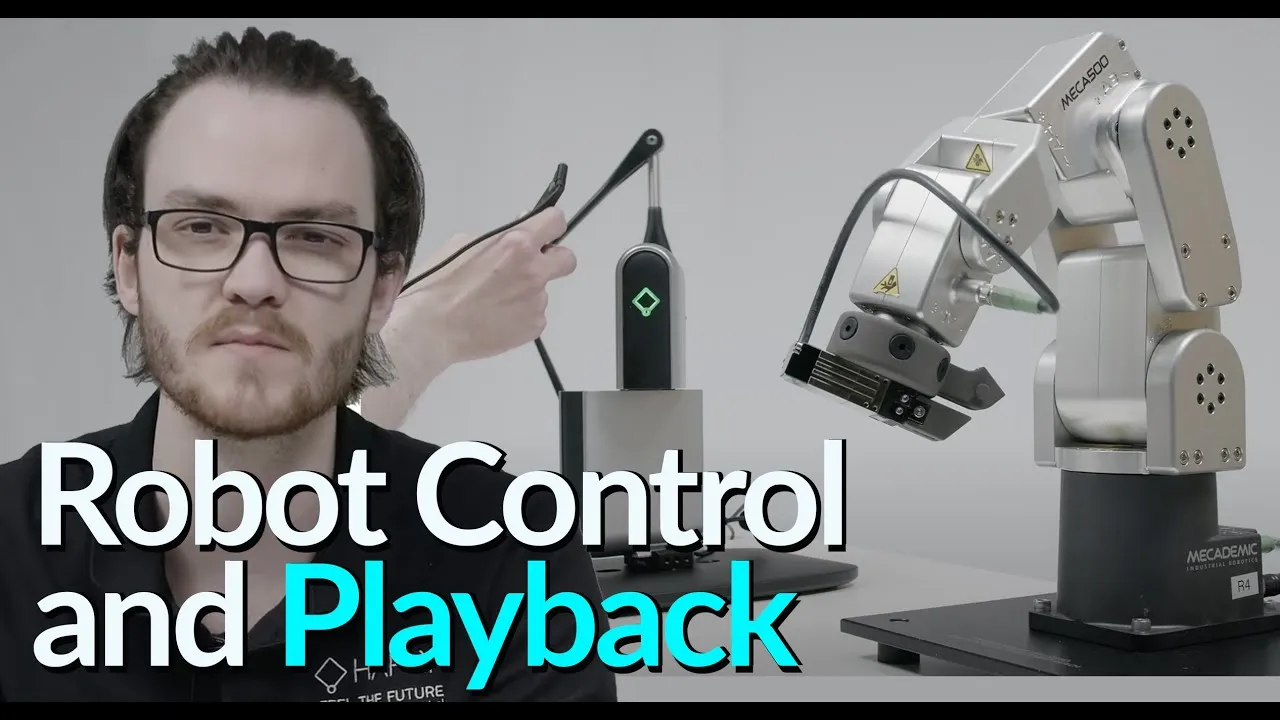
- Robotics & teleoperation · Skills training & simulation · Medical simulation · Industrial automation · Research & education. Inverse3 supports the widest range of Haply workflows.
KEY OUTCOMES
What Inverse3 enables.
Precision control
0.01 mm resolution and 4 kHz refresh for high-stakes haptic interaction.
Portable platform
Compact and quick to set up for labs, demos, and fieldwork.
Developer-ready
Supports multiple languages, game engines, and integration workflows.
Training realism
Adds tactile feedback to training and simulation environments.
RAPID STARTUP
Getting started with Inverse3.
A simple setup sequence helps teams move from device setup to haptic interaction quickly.
-
Secure to VerseMount
Start by securing the device to the VerseMount for a stable setup.
-
Power up
Power the system and prepare the device for calibration and use.
-
Unfold the arms
Unfold the arms and position the device for the intended workflow.
-
Calibrate the system
Run calibration so the device is ready for accurate haptic interaction.
-
Attach VerseGrip
Attach the VerseGrip that best fits the application and user interaction.
-
Start interacting
Begin using force feedback in robotics, simulation, research, or training workflows.
SPECS & INTEGRATIONS
Technical details.
Device capabilities
- Product type
- Versatile 3D force-feedback haptic controller for research and development
- Control modes
- Cartesian force/position and joint torque/angle control
- Device feedback
- Real-time position, velocity and joint-angle state
- Control settings
- Configurable force, torque, damping and gravity compensation
- Configuration
- Single-device or bimanual, left- or right-handed setups
Measured performance
- Position resolution
- Up to 0.01 mm
- Haptic refresh rate
- 4 kHz
- Max output force
- Up to 10 N total — varies across the workspace ¹
- Joint torque
- Up to 1000 N·mm per joint ¹
- Kinematics
- 3 actuated joints — 3-DOF force output, 6-DOF input with VerseGrip ¹
- Power
- 100–240 V supply, 24 V barrel-jack input ¹
- Connectivity
- USB-C · wireless VerseGrip accessory support ¹
- Mounting
- Arca-Swiss standard — operates at any angle, including upside down ¹
Software & developer support
- SDK architecture
- Local service for device discovery, communication and control
- Software interface
- Language-agnostic WebSocket and HTTP interface using JSON
- Languages & engines
- Unity (2021.3+) · C++ · Python · C# (.NET) · Rust · CHAI3D — any language via the WebSocket/JSON API ²
- Operating systems
- Windows · Ubuntu 22.04 / 24.04 (x64 and arm64) · macOS ²
- Real-time architecture
- The 4 kHz control loop closes between the local Inverse Service and the device; applications exchange per-tick commands and state with the service over a local WebSocket — no network hop in the force loop
- Device management
- Setup, calibration, monitoring and firmware updates through Haply Hub
- Developer resources
- Developer Hub — develop.haply.co
¹ Inverse SDK documentation (docs.haply.co) · ² Developer Hub release listings (develop.haply.co/releases). Contact sales for the comprehensive, up-to-date spec sheet.
CONFIGURATION
Configure Inverse3 for your workflow.
Adapt Inverse3 across robotics, simulation, research, and training environments with supported grips, mounts, software tools, and developer resources.
Application-ready grips
Adapt the contact point and hand interaction to the workflow, from simulation to robot control.
Flexible mounting options
Configure Inverse3 for different workspaces, user positions, and setup requirements.
Setup and device management
Download tools, connect devices, and access setup resources through the Developer Hub.
SDK and docs
Use documentation, examples, and downloads to support haptic application development.
FAQ
Common questions.
What is Inverse3 used for?
Inverse3 is a precision haptic controller used for robotics and teleoperation, skills training & simulation, medical simulation, and research applications where force feedback is required.
How does Inverse3 differ from Inverse3 X?
Inverse3 covers the widest range of use cases. Inverse3 X offers higher performance and stability for enterprise and demanding R&D workflows where greater precision is required.
What SDKs and software does Inverse3 support?
Official SDKs cover Unity (2021.3+), C++, Python, C# (.NET), Rust, and the open-source CHAI3D library, on Windows, Ubuntu 22.04/24.04 (including arm64), and macOS. Any other language can drive the device through the local Inverse Service’s WebSocket/JSON API. All downloads and documentation are on the Developer Hub (develop.haply.co).
USE CASES
Where Inverse3 works.
The broadest haptic control path for robotics, simulation, research, training, and industrial haptics.
Put touch in your workflow.
Talk to our team about product fit, evaluation needs, pricing, procurement, and applications across robotics, simulation, research, training, medical, or industrial workflows.