UC-04 / 3D DESIGN & MODELLING
Model by hand, in three dimensions.
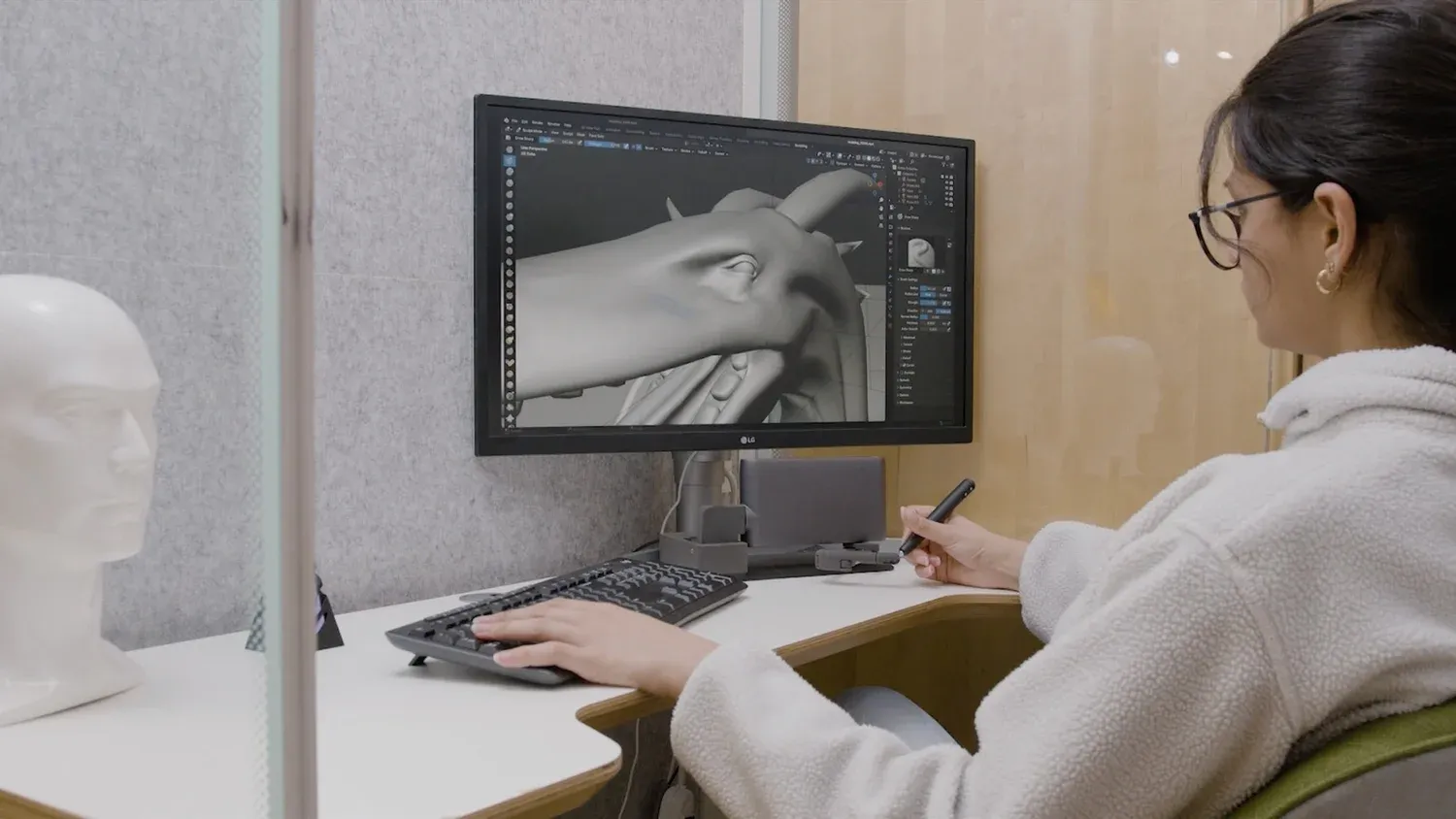
Haply brings touch into 3D design, helping creators, designers, educators, inclusive design teams, and technical professionals feel and shape digital objects with more intuitive control.
0–4 N
force feedback under the stylus
6-DOF
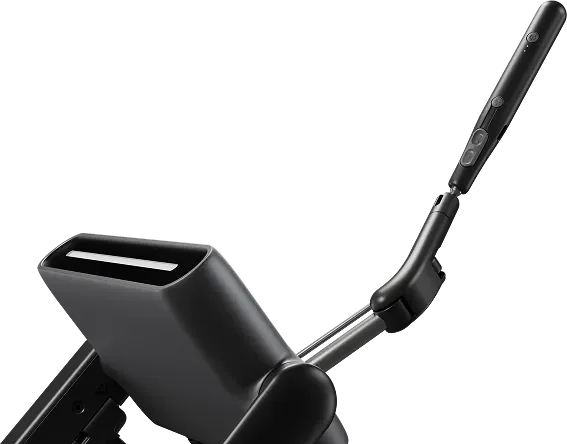
input — 3D position and rotation with VerseGrip Stylus
1.2 kg
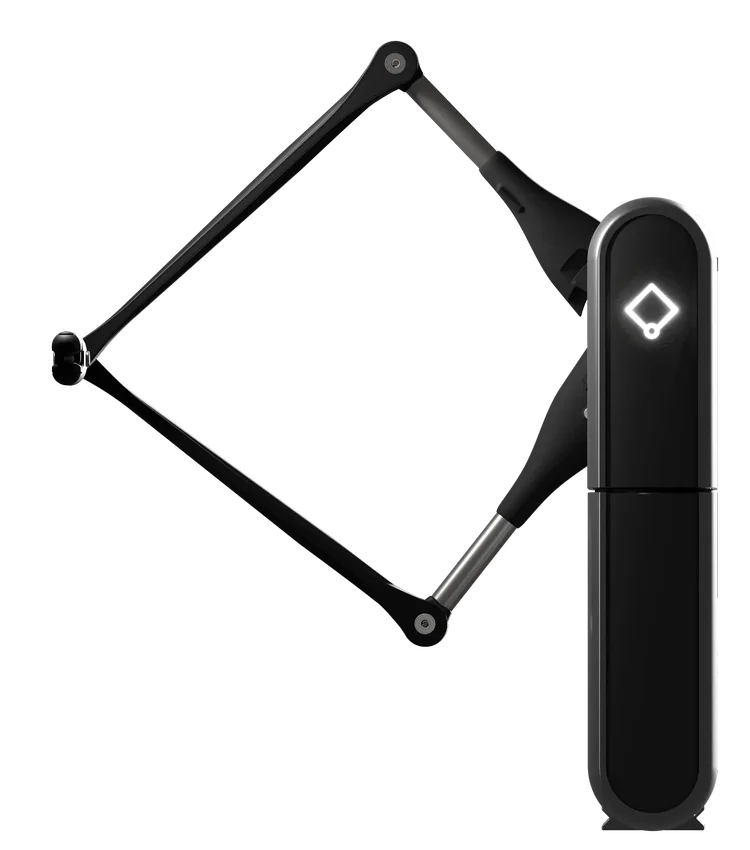
foldable and portable, desk to desk
THE WORKFLOW
Digital clay that resists.
Haptic 3D design lets users feel texture, resistance, depth, and spatial interaction while shaping digital objects — making digital creation as intuitive as working with physical materials, for everyone from sculptors to inclusive design teams.
SCULPTING & ANIMATION · MECHANICAL DESIGN · GAME DEVELOPMENT · XR · EDUCATION
PROBLEM / SOLUTION
The challenge, and the answer.
The challenge
Traditional 3D design tools rely heavily on screens, mouse input, and visual judgement. For sculpting, modelling, XR, interactive 3D, accessible design, and FreeForm-compatible workflows, creators often need a more physical sense of form, texture, depth, and resistance.
The Haply solution
MinVerse adds haptic 3D input to digital creation workflows, helping users feel textures, forces, and spatial interactions while shaping, navigating, teaching, or exploring digital form.
APPLICATION SCENARIOS
Where it goes to work.
Digital sculpting and 3D authoring
Shape, navigate, and refine digital models with touch — texture, resistance, edges, and weight-like feedback under your hand.
FreeForm-compatible sculpting and product modelling
Add tactile feedback and spatial interaction to FreeForm-compatible sculpting and product modelling workflows where touch informs shape, form, and design decisions.
Creative, educational, and interactive 3D
Help creators, students, educators, game developers, XR teams, and inclusive design teams explore digital form through touch, texture, and physical interaction.
RECOMMENDED PRODUCTS
The right instrument.
RECOGNITION
Design tools the industry noticed.
Co-developed with the makers of the tools designers already use.
“Whether sculpting in 3D, designing intricate digital art, or making your 3D workflow more intuitive — haptic input provides unparalleled control and precision, making digital creation as intuitive as working with physical materials.”
HAPLY — ON THE MINVERSE DESIGN WORKFLOW
- CES 2025 MinVerse named a CES 2025 Best of Innovation winner; 3D sculpting breakthroughs debuted with Geomagic Freeform.
- CES 2026 The Verge named MinVerse one of the most fun technologies at CES 2026.
- ACCESSIBILITY Making 3D design accessible: haptic feedback opens sculpting and modelling to sight-impaired users.
WORKING WITH
- Geomagic Freeform
- Formlabs
- Unity
COMMON QUESTIONS
Asked, answered.
Straight answers on fit, integration, and where to start.
What is MinVerse used for?
MinVerse is used for haptic 3D input, digital sculpting, modelling, education, prototyping, and FreeForm-compatible workflows.
How does haptic feedback help 3D design?
Haptic feedback helps 3D design by letting users feel forces, textures, and spatial interactions while shaping digital objects, making the workflow more physical and intuitive.
Can MinVerse support FreeForm-compatible workflows?
Yes. MinVerse can support FreeForm-compatible 3D authoring workflows by adding haptic input, tactile feedback, and more physical control when working with digital 3D models.
How is MinVerse different from Inverse3?
MinVerse is focused on 3D authoring and approachable haptic input. Inverse3 is broader and better suited to robotics, simulation, and research workflows.
Designing with touch?
Talk to an expert about MinVerse for design, modelling, education, or FreeForm-compatible workflows.